Spawns Found
Sorted by distance from 0,0Enter a seed to find structures
Save Your World Map
Create a free account to save custom markers, track explored structures, and share your world.
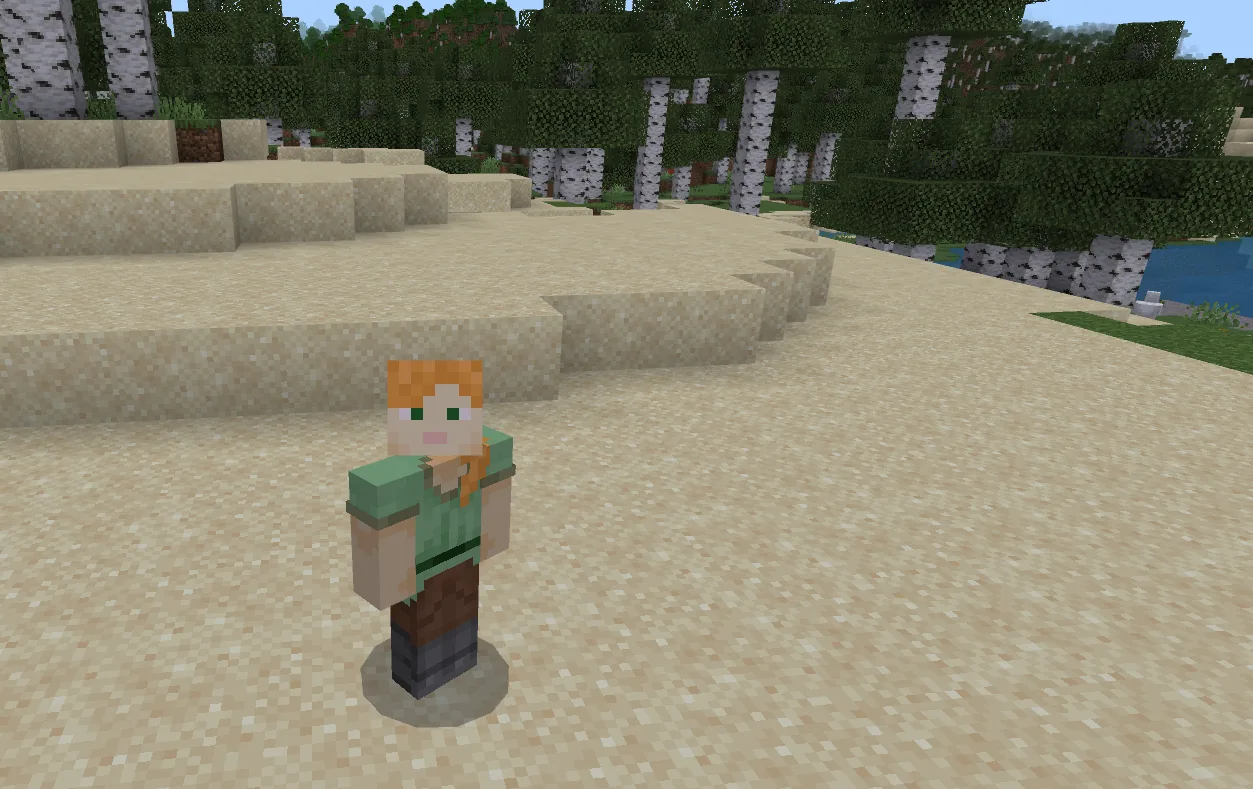
Every Minecraft world has a fixed Spawn Point determined by the seed. The SeedLander Minecraft Spawn Point finder shows you exactly where you will appear when you first load into a new world, letting you evaluate a seed before creating it.
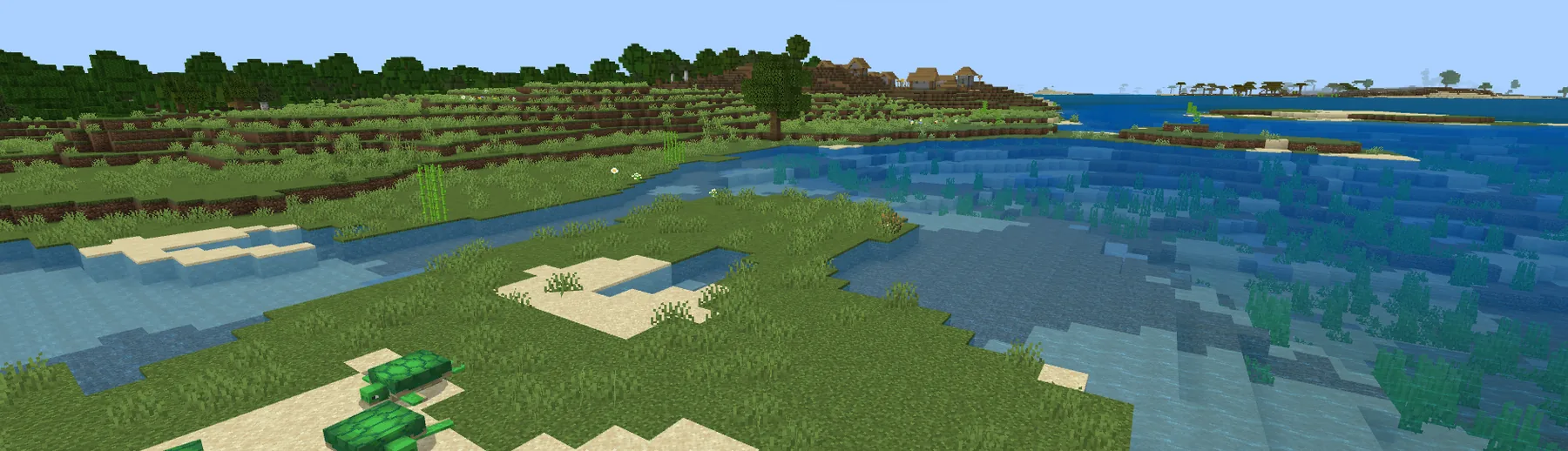
Knowing your Spawn Point helps you plan your early-game strategy. Is there a village nearby? A desert temple within walking distance? What biome will you start in? Enter your seed to find the spawn coordinates on both Java and Bedrock editions, then combine with SeedLander’s structure finders to evaluate any seed comprehensively.
Your spawn biome affects everything about your first hours in a new world. Plains and forest spawns provide immediate access to wood, food, and open building space. Desert spawns challenge you with no wood until you find a village. Jungle spawns offer abundant resources but limited visibility. Snowy spawns introduce freezing mechanics. Choosing the right spawn biome is the first step in picking a seed that matches your playstyle.
For SMP servers, the Spawn Point is even more important because it affects every player. The area around spawn becomes the community hub, the meeting point, and often the most developed area of the world. Using the Minecraft Spawn Point finder alongside structure finders lets server owners evaluate seeds thoroughly and pick one that gives the whole community the best possible start.
Frequently Asked Questions
The world spawn point is set when the world is first created from your seed and never moves on its own. Individual players actually appear within a small radius around that exact point — usually a few blocks of variation depending on which neighbouring blocks the game considers safe to land on.
Your personal spawn changes the moment you sleep in a bed — that bed becomes your respawn point. The world spawn (where new players appear and where you respawn if your bed is broken) is fixed by the seed, but operators can move it with the /setworldspawn command if needed.
Yes — the spawn biome makes a real difference to your first hour. Plains gives you easy access to trees and friendly food animals. Deserts have no trees within sight, so you'll need to walk before you can craft. Snowy biomes are pretty but slow you down with cold terrain and limited food. The biome under your spawn is the single biggest factor in how easy your first day is.
Minecraft picks a Spawn Point on safe terrain near the world origin (0, 0). It tries to avoid water, ice and other unfriendly blocks, so your exact spawn depends on what the nearby biomes look like.
Yes — Java and Bedrock can pick slightly different spawn points for the same seed number, even though the biome layouts have been broadly identical between editions since 1.18. Always pick the right edition in the finder before checking your spawn.