Minecraft has over 60 biomes spread across three dimensions, and each one brings different blocks, mobs, and terrain. Knowing where biomes are — and what they contain — makes a real difference to how you play. This guide breaks down every biome category, highlights the rare ones, and shows you how to track them down.
What Are Biomes in Minecraft?
A biome is a region in your Minecraft world with its own climate, terrain shape, vegetation, and mob spawns. The game generates biomes using your world seed, which means every seed produces a fixed biome layout. Two players with the same seed will always see the same biomes in the same places.
Biomes affect more than just how the world looks. They control which structures spawn, what ores generate underground, and even the colour of grass and water. If you are hunting for a specific resource or structure, you need to know which biome to look in.

Overworld Biomes
The Overworld has the most biomes by far — around 50 in current versions. They fall into a few broad groups based on temperature and terrain.
Temperate Biomes
Plains and forests are the most common biomes you will run into. Plains are flat, open, and great for building. Forests give you plenty of wood early on. Flower forests are a variant packed with every flower type in the game — handy for dye farming.
Birch forests and dark forests are other temperate options. Dark forests are dense enough that hostile mobs can spawn during the day under the canopy, so watch your step. Woodland mansions only generate in dark forests, making them one of the few biomes tied to a specific rare structure.

Cold and Snowy Biomes
Snowy plains, ice spikes, and frozen oceans all fall into the cold category. Ice spikes is one of the more visually striking biomes — tall packed ice pillars jutting out of the ground. Igloos spawn in snowy plains and snowy taiga biomes, sometimes with a hidden basement containing a zombie villager you can cure.
Taigas and old growth taigas (formerly giant tree taigas) sit between temperate and cold. Old growth spruce taigas have massive 2×2 spruce trees and podzol on the ground. These are solid biomes for early-game wood supply.
Warm and Dry Biomes
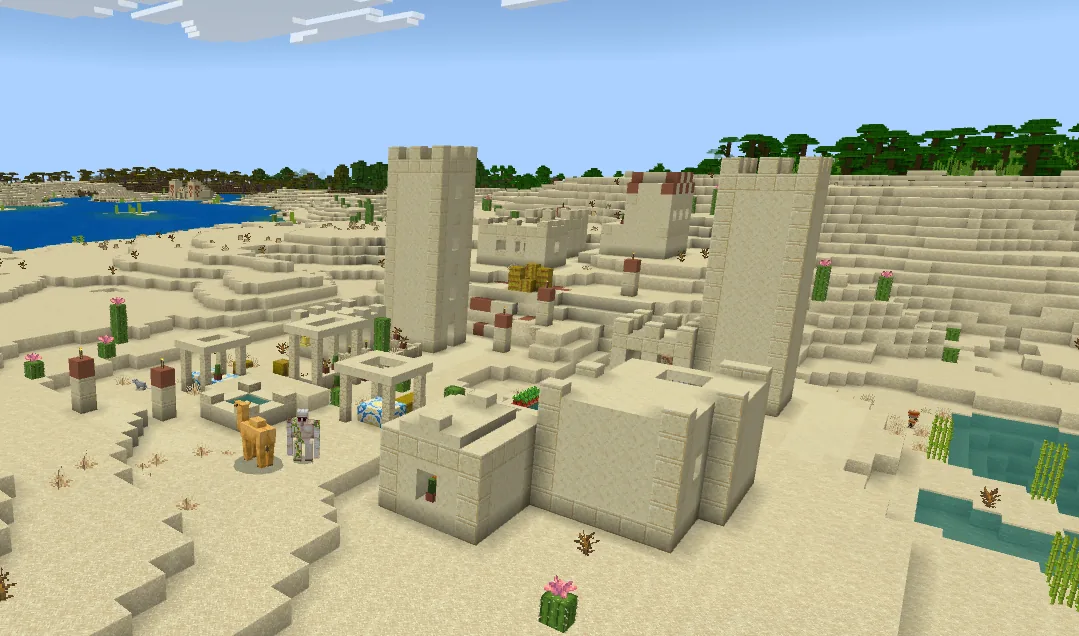
Deserts, savannas, and badlands make up the warm group. Deserts are where you will find desert temples and desert wells. Savannas have acacia trees and can generate villages.
Badlands (formerly mesa) biomes are genuinely useful. Exposed terracotta and gold ore generates at higher Y levels than normal here. If you need gold early, head for a badlands. The eroded badlands variant has tall terracotta spires that look incredible.

Jungle Biomes
Jungles are large, loud, and full of parrots, ocelots, and cocoa beans. Jungle temples spawn here with their tripwire traps and redstone puzzles. Bamboo jungles are a sub-biome packed with bamboo — useful now that bamboo wood exists.
Sparse jungles sit on the edges and are easier to navigate but still count as jungle for mob spawns.

Ocean Biomes
Oceans cover huge stretches of every world. Warm oceans have coral reefs, cold and frozen oceans have different fish spawns, and deep ocean variants are where ocean monuments generate. If you are after a monument, look for deep ocean biomes specifically.
Mushroom fields (mushroom islands) only generate surrounded by ocean. They are one of the rarest biomes in the game, and hostile mobs do not spawn naturally on them — making them one of the safest places to build a base.

Mountain and Cave Biomes
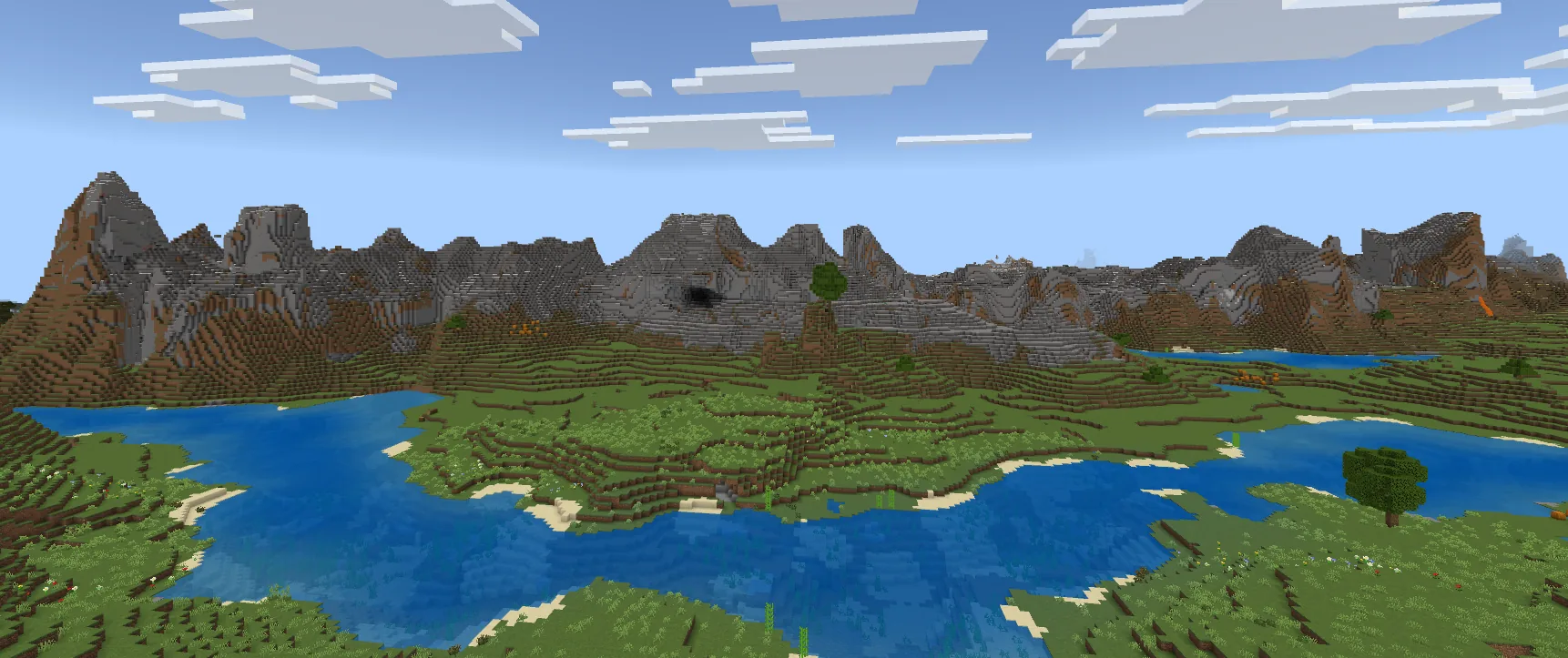
The 1.18 update overhauled mountains and added cave biomes. Stony peaks, jagged peaks, and frozen peaks all generate at high elevations. Meadows sit at the base of mountains and are where you will sometimes find a village at altitude.
Underground, lush caves contain glow berries, azalea trees, and axolotls. Dripstone caves have pointed dripstone that can be farmed for renewable lava. The deep dark biome generates below Y=0 and is where you will find ancient cities and sculk — plus the Warden.
Nether Biomes
The Nether has five biomes, each with distinct resources and dangers.
- Nether Wastes — The classic Nether. Ghasts, zombie piglins, and nether quartz everywhere.
- Crimson Forest — Red trees, hoglins, and piglins. Safe-ish if you wear gold armour.
- Warped Forest — Blue trees and endermen. Almost no hostile mobs spawn here, making it the safest Nether biome.
- Soul Sand Valley — Ghasts and skeletons in a valley of soul sand and soul soil. Dangerous but good for soul speed enchantments.
- Basalt Deltas — Magma cubes and basalt columns. Rough terrain, hard to traverse, but blackstone generates here.
Nether fortresses and bastions generate across all Nether biomes, though bastions will not appear in basalt deltas.
End Biomes
The End dimension has five biomes too, but they are simpler. The central island is where you fight the Ender Dragon. The outer islands — reached via end gateway portals — contain end cities and end ships with elytra. End highlands are where end cities actually generate, so that is the biome to look for when elytra hunting.
Rare Biomes and How to Find Them
Some biomes are genuinely hard to stumble across by just exploring. Here are the hardest to find:
- Mushroom Fields — Only generates as ocean islands. Can be thousands of blocks from spawn.
- Eroded Badlands — A rare variant of an already uncommon biome.
- Ice Spikes — Small and easy to miss between other cold biomes.
- Cherry Grove — Added in 1.20, these pink-tree biomes generate near mountains but are not common.
- Mangrove Swamp — Found in warm regions, these replaced some regular swamp generation but can still take a while to locate.
Walking in one direction and hoping for the best is a slow way to find specific biomes. The /locatebiome command works if you have cheats enabled, but it only finds the nearest instance — and it can take a long time to process.
Using a Seed Map
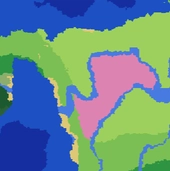
The fastest way to find any biome is to use a seed map tool. Enter your world seed and the map renders every biome across your entire world instantly. You can see exactly where that mushroom island is, how far the nearest cherry grove sits from spawn, and plan your route before you even leave your base.
SeedLander seed map works for both Java and Bedrock editions. The biome generation differs between editions — the same seed produces different biome layouts on Java vs Bedrock — so make sure you select the right edition.
If you are specifically looking for structures tied to certain biomes, tools like the village finder can pinpoint every village location on your seed. Villages only spawn in plains, desert, savanna, taiga, and snowy plains biomes, so the finder saves you from searching biomes where they will never appear.
Biome-Specific Resources Worth Knowing
A few resources are locked to specific biomes:
- Emerald ore — Only in mountain biomes (stony peaks, meadows, etc.)
- Cocoa beans — Jungle biomes only
- Blue ice — Frozen ocean icebergs
- Sponge — Ocean monuments (deep ocean biomes)
- Mud — Mangrove swamps
- Sculk blocks — Deep dark biome
- Packed ice pillars — Ice spikes biome
- Extra gold ore — Badlands (generates up to Y=256)
Tips for Biome Hunting
If you are playing survival and want to locate biomes without commands:
- Check your seed first. Press F3 on Java to see it, or check world settings on Bedrock. Then plug it into a seed map to plan your trip.
- Travel along climate boundaries. Biomes cluster by temperature. Moving perpendicular to a temperature gradient (e.g., walking from desert towards forest) exposes you to more variety than walking along a single temperature band.
- Use boats in oceans. Ocean travel is fast and covers huge distances. Mushroom fields, coral reefs, and frozen oceans are all best found by boat.
- Check near mountains for rare biomes. Cherry groves, meadows, and stony peaks all generate in mountainous terrain. Head for high ground.
- Nether travel for distance. One block in the Nether equals eight in the Overworld. Build a portal, travel 500 blocks in the Nether, and you have covered 4,000 blocks of Overworld distance.
Biomes are the backbone of world generation. Once you know what spawns where, you spend less time wandering and more time actually playing. A seed map takes the guesswork out entirely — check your seed, find your biome, and go.
For a complete list of biome IDs and technical details, see the Minecraft Wiki biomes page.
Visit the official Minecraft website for the latest game updates and version changelogs.